
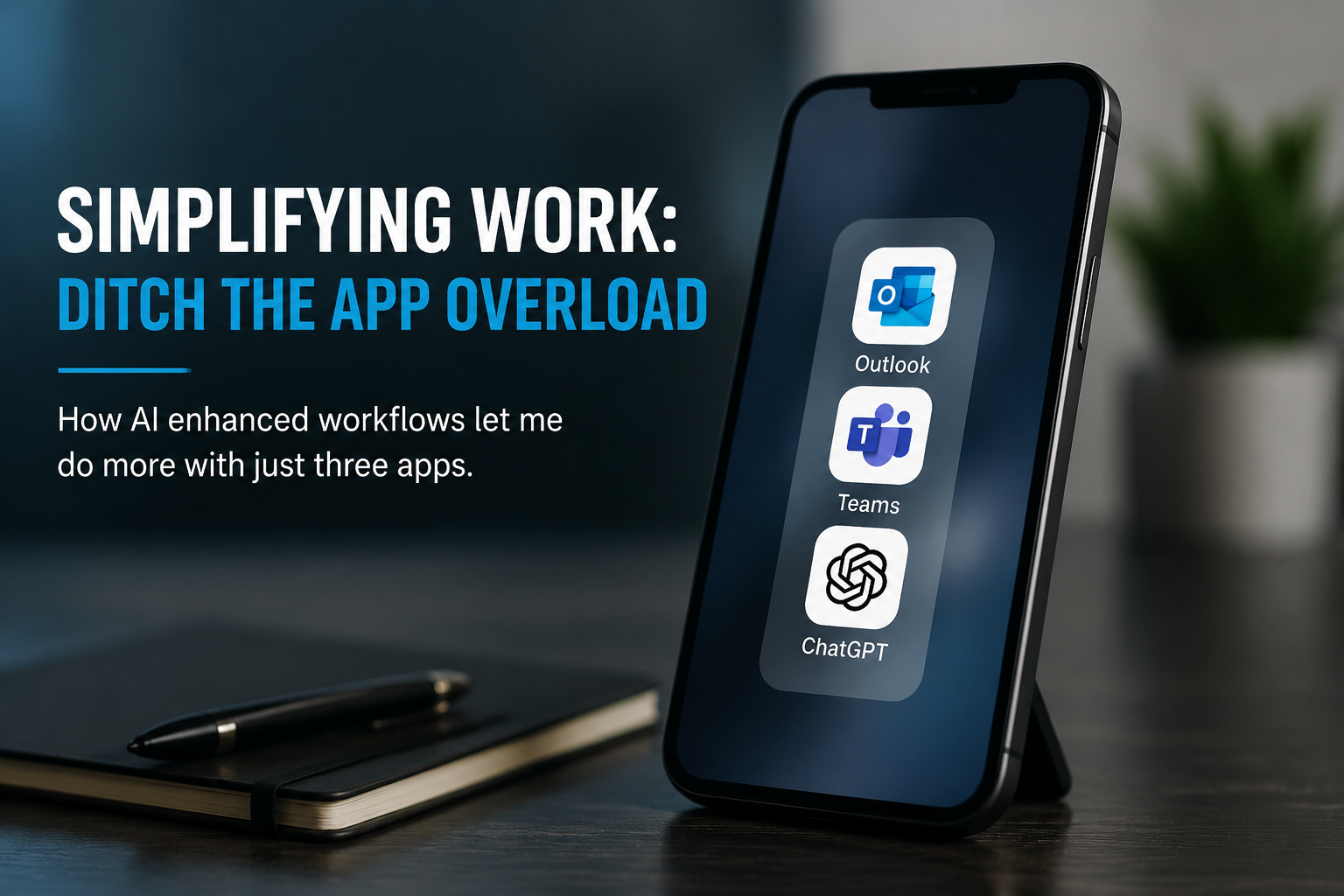
There was a time when my phone looked like a showcase for “productivity”.
Task managers. Note taking apps. Whiteboard apps. Mind mapping tools. Team dashboards. To-do lists. Habit trackers. Time trackers. Document apps. AI assistants. Collaboration tools. Communication platforms.
Twelve apps. Twelve different notifications. Twelve different places where “important” things lived.
And honestly? Most of them were just layers between me and actually getting things done.
Over the last few months I’ve been quietly simplifying how I work whilst away from my desk, and the result has been surprisingly dramatic. I’ve removed twelve productivity apps from my mobile device and replaced them with just three core tools:
- Outlook
- Teams
- ChatGPT
That’s it.
The Death of the Mobile Productivity Stack
The original promise of productivity apps was compelling:
“Capture everything.”
“Organise your life.”
“Never forget anything.”
“Manage work from anywhere.”
The problem is that most apps became destinations rather than assistants.
You didn’t just do work anymore — you had to maintain the system that managed the work.
Tasks needed tagging.
Notes needed organising.
Boards needed updating.
Projects needed grooming.
Templates needed maintaining.
At some point, I realised I was spending more time curating productivity than benefiting from it.
AI Changed the Equation
The big shift for me was the arrival of genuinely useful AI workflows.
Before AI, structure mattered because software was rigid. If information wasn’t in exactly the right place, the tool became ineffective.
Now? Context matters more than structure.
ChatGPT can summarise.
It can extract actions.
It can draft responses.
It can organise thoughts.
It can build plans from unstructured conversations.
It can act as the connective tissue between fragmented information sources.
That fundamentally changes how many apps you actually need.
My Current Mobile Workflow
Outlook Becomes the Command Centre
Outlook handles:
- Calendar
- Meeting prep
- Quick approvals
- Team visibility
- Prioritisation
Instead of exporting information into other systems, I now leave far more information where it naturally originates.
An email thread is often the project history.
A meeting invite is often the task list.
A flagged message is often enough of a reminder.
AI helps process information rather than forcing me to relocate it.
Teams Handles Operational Awareness
Teams has effectively replaced several standalone collaboration tools for me.
I use it for:
- Team communication
- Status updates
- Quick decision making
- File access
- Incident coordination
But more importantly, Teams gives me context.
That matters far more than maintaining a perfect task hierarchy on a mobile screen.
ChatGPT Is the Workflow Multiplier
This is the real difference maker.
ChatGPT has become:
- My mobile thinking partner
- My summarisation engine
- My drafting assistant
- My prioritisation tool
- My “turn chaos into clarity” system
Instead of opening five apps to:
- capture notes,
- organise tasks,
- draft emails,
- create summaries,
- and prepare updates…
…I can now simply describe what I need.
For example:
“Summarise today’s customer escalation thread and produce actions for tomorrow.”
Or:
“Turn these rough notes into a structured update for leadership.”
Or:
“What are the key risks emerging from these conversations?”
That workflow reduction is enormous.
Fewer Apps = Less Friction
What surprised me most wasn’t just convenience.
It was cognitive reduction.
Fewer icons.
Fewer notifications.
Fewer disconnected systems.
Fewer decisions about where information belongs.
My phone now feels like a communication and decision-making tool again rather than a miniature admin console.
There’s also something slightly ironic happening in the productivity software industry:
AI is making many productivity apps less necessary.
A lot of tools existed primarily because humans had to manually structure information for software to understand it.
Now software understands messy human input much better.
That changes everything.
Mobile Work Should Be Lightweight
I still believe deep work belongs on a proper workstation.
But mobile work?
That should be:
- responsive,
- lightweight,
- contextual,
- and fast.
The goal isn’t to recreate your desktop workflow on a six-inch screen.
The goal is to stay informed, unblock people, make decisions, and keep momentum moving.
Right now, Outlook + Teams + ChatGPT does that better for me than twelve fragmented productivity apps ever did.
And honestly, I don’t miss any of them.